Fix error “All files converted to .lnk files”. Recently, many users have reported that they often face the error ” All files converted to .lnk files ” in the process of opening a program from the shortcut icon on the Desktop. On Windows, files .lnk is used to refer to the shortcut created by the .exe file. This file is used to open programs and is called shortcut file.
In the article below, Network Administrator will guide you 4 ways to fix this error on Windows operating system .
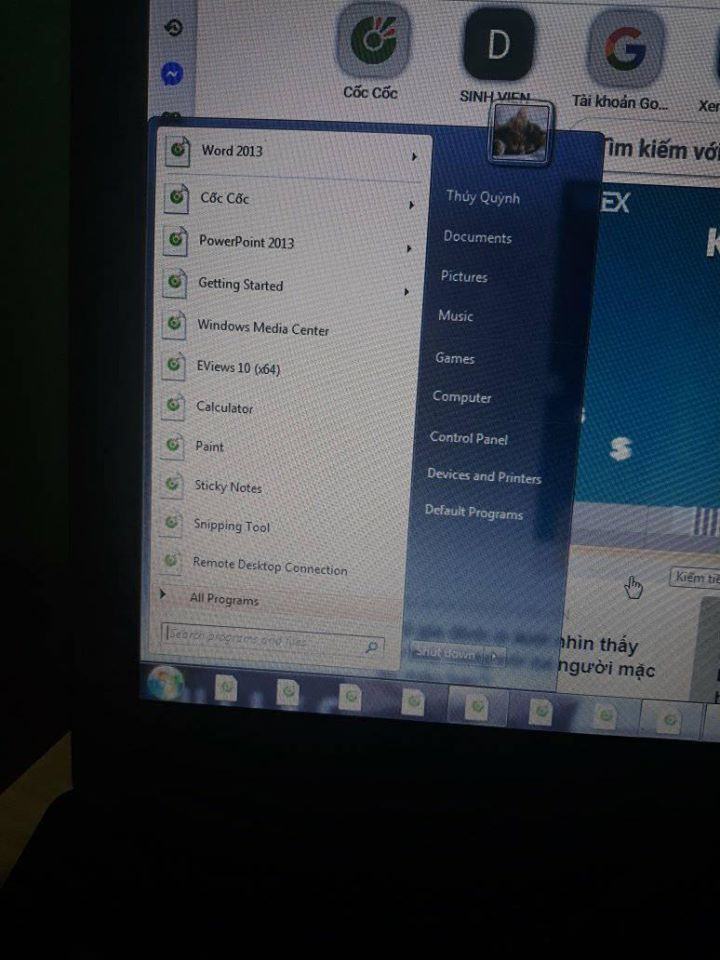
Table of Contents
Fix error “All files converted to .lnk files”
.lnk (shortcut) files, it is likely caused by a virus or malware, and you need to restore your Windows file associations and perform a full virus scan. First, run a full scan with your antivirus software to remove any malicious code, then fix the file association for .lnk and .exe files using the Windows Registry Editor or by downloading and running a pre-made .reg file. - Run a full system scan with your antivirus or anti-malware software to detect and remove any threats that may have caused this issue.
- Using the Registry Editor: Navigate to
HKEY_CURRENT_USER\Software\Microsoft\Windows\CurrentVersion\Explorer\FileExts\.lnkand delete theUserChoicesubkey. You may need to delete theUserChoicesubkey under the.exeextension as well. - Using a pre-made .reg file: Download a .reg file specifically designed to fix this problem for your version of Windows and run it. This will automatically make the necessary changes to your registry. Restart your computer after running the fix.
- After rebooting, check if the files have returned to their normal state. If the issue persists, you may need to repeat the process or try a different method.
- If you are unable to open files even after fixing the associations, there might be an issue with the underlying executables. You can manually restore the associations by going to
Folder Options>File Types, selecting the extension, and associating it with the correct program.
1. What is a .lnk file?
On Windows operating systems, the .lnk file is used to refer to the shortcut created by the .exe file. This file is used to open programs and is called shortcut file. When you click on a .exe program , the .lnk file will map the correct program and open it.
2. The cause of the .lnk file error
The cause of the .lnk file error on a Windows computer may be due to:
Usually caused by a virus.
In addition, the cause may be due to corrupted or missing registry.
3. Solution to fix all converted files into .lnk files
3.1. Restore .lnk file behavior
The first solution you can apply is to restore the default behavior of the .lnk file . To do this, download the following Registry file to your computer and install, depending on the version of Windows you are using.
Download .Lnk Registry Fix for Windows XP here.
Download .Lnk Registry Fix for Windows 7 here.
After downloading the registry fix , run the registry fix and allow the program to run when prompted.
Finally reboot your system and check if the error persists, if the error persists follow the solutions below.
3.2. Edit the Registry manually
To edit the Registry manually, follow the steps below:
First press the Windows + R key combination to open the Run command window. Then type regedit in the Run command window and press Enter to open the Registry Editor window.
In the Registry Editor, navigate to the following key:
HKEY_CURRENT_USER\Software\Microsoft\Windows\CurrentVersion\Explorer\FileExts\.lnk
Click on the arrow icon to expand and delete the subkey named UserChoice .
Close the Registry Editor window and restart your system again, check if the error is still there.
3.3. Use 3rd tool
In addition to the above solutions, you can use 3rd party tools to fix errors related to .lnk file. Download the 3rd party tool to your computer, install and use it to fix the error by following the link below.
3.4. Scan the system with anti-virus software
As mentioned above, the cause of the .lnk file error could be due to a virus attack on your system. So to fix the error you can apply the solution is to use antivirus software to scan the system and check if the error is still there or not